

The Comprehensive Guide to Managed IT Services for Small to Medium Businesses
Is your business constantly putting out IT fires instead of moving projects forward? This is more common than you think. As the owner of Info-Tech Montreal, I have seen many small and medium-sized businesses (SMBs) struggle with escalating cyber threats, cloud complexity, remote work, and limited internal IT resources.
I understand that handing your IT services to a third party can feel like a big step. It’s normal to have questions about control, access to your systems and data, and whether support will be as responsive as you need it to be. That’s exactly why I put together this comprehensive managed IT services guide. My goal is to help you understand what managed IT services are, how they support small to medium businesses, and what to look for in a partner, so you can make an informed decision that supports your growth and business continuity.
Key Takeaways
- Managed IT services give small to medium businesses proactive, ongoing IT support that replaces the stress of constant firefighting with a more stable and predictable approach.
- By outsourcing IT to a trusted managed services provider, SMBs gain access to a full team of experts, modern tools, and stronger cyber security without having to build an in-house department.
- A well-designed managed IT services plan improves IT security, data backup and disaster recovery, and business continuity so your operations can keep running even when something goes wrong.
- Whether you choose fully managed IT or co-managed IT services, the right model will flex with your growth, support remote work and cloud services, and eliminate common bottlenecks.
- Choosing the right managed IT provider means evaluating their experience with SMBs, understanding their SLA, and asking the right questions about security, support coverage, and how they will work with your team.
TABLE OF CONTENTS
What Are Managed IT Services? (And How They Work for SMBs)
Key Benefits of Managed IT Services for Small to Medium Businesses
1. Predictable Costs and Better Budgeting
2. Access to Expertise and Modern Tools
3. Stronger IT Security and Business Continuity
4. Flexibility and Scalability as You Grow
Is Managed IT Right for Your SMB? Signs You’re Ready
Types of Managed IT Service Models
How to Choose the Right IT Managed Services Provider (MSP)
2. Understanding the Service Level Agreement (SLA)
3. Essential Questions to Ask a Managed IT Provider
What to Expect When You Partner with a Managed IT Provider
Conclusion: Turning IT from a Headache into a Strategic Asset
What Are Managed IT Services? (And How They Work for SMBs)
At its core, managed IT services means outsourcing the day-to-day management and support of your IT environment to a specialized third party, known as a managed IT provider or managed services provider (MSP).
Instead of waiting for something to break and calling someone to fix it (known as ‘break-fix’), an MSP takes a proactive approach: monitoring, maintaining, and improving your systems on an ongoing basis. For SMBs, this model is often more efficient, more secure, and more predictable than relying on ad hoc support.
A typical IT managed services plan for SMBs will include services such as:
- IT support/help desk for your users
- IT security to protect against cyber threats
- Data backup and disaster recovery to protect your critical information
- Cloud services (such as Microsoft 365 and Google Workspace) to support collaboration and remote work
- Management of your hardware and software lifecycle
- Network monitoring and maintenance to keep systems stable and available
Behind the scenes, your MSP is watching your environment, applying security patches, resolving alerts, and planning improvements. Many issues are identified and addressed before your team even feels the impact.
Key Benefits of Managed IT Services for Small to Medium Businesses
For many small to medium businesses, the question isn’t “What is managed IT?” but “Is this the right model for us?” Here are some of the main benefits I see when working with clients.
1. Predictable Costs and Better Budgeting
With managed IT services, your IT spends shift from unpredictable emergency calls to a stable, flat monthly fee. That makes it much easier to plan and budget.
Instead of scrambling to find funds when something breaks, you get a clear, recurring investment that includes support, maintenance, and ongoing improvements. For many SMBs, this model is far more sustainable than trying to build and retain a full in-house IT team.
2. Access to Expertise and Modern Tools
Hiring a single internal IT generalist often isn’t enough to cover every aspect of your IT infrastructure, such as security, cloud, networking, end-user support, and strategy. By outsourcing your IT services, you gain access to a full team of specialists and industry-standard tools that would be difficult or costly to maintain on your own.
In practice, this means faster problem resolution, better alignment with best practices, and a more strategic approach to your technology decisions.
3. Stronger IT Security and Business Continuity
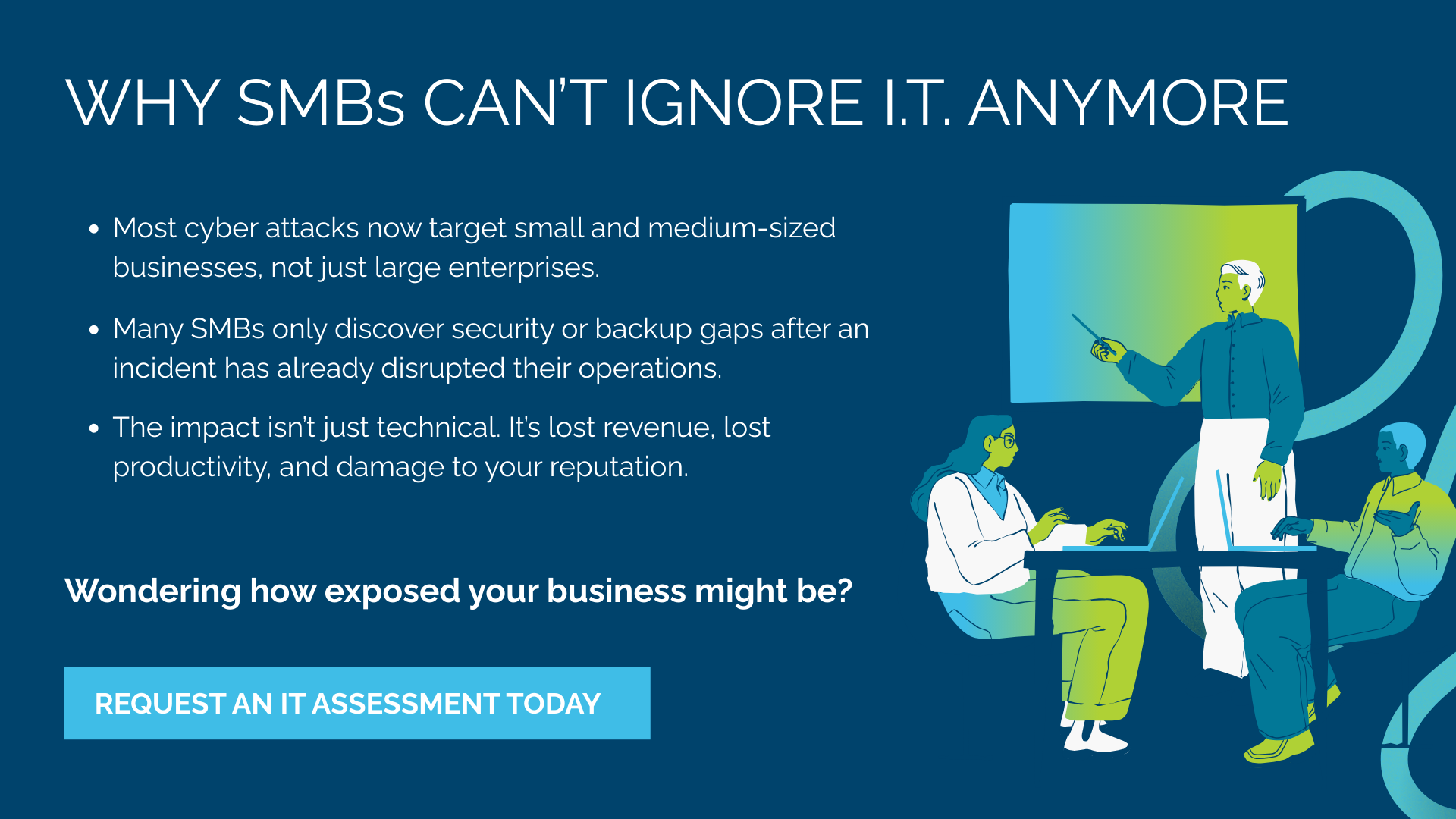
For SMBs, IT security is no longer optional. Cyber threats are increasingly targeting smaller organizations because they’re often less protected.
A good MSP will:
- Implement layered security to reduce risk
- Monitor for suspicious activity
- Keep systems patched and up to date
- Design and test data backup and disaster recovery processes
All of this supports your business continuity, which is your ability to keep operating even when something goes wrong, whether it’s a cyber incident, hardware failure, or human error.
If you want a practical baseline, the Government of Canada’s Get Cyber Safe guide for Small Businesses is a helpful resource.
4. Flexibility and Scalability as You Grow
As your business grows, your technology needs to evolve. You may add new locations, adopt new applications, or support more remote workers through cloud services.
A strong IT plan will consider your current operations as well as your future growth. Managed IT makes it easier to scale up (or down) without major disruption. You can add users, services, and capabilities without rebuilding your IT foundation every time.
If you’d like to go deeper on the value side of managed IT services, you can explore our previous article, where I break down the top 10 benefits of outsourcing IT services for business owners.
Is Managed IT Right for Your SMB? Signs You’re Ready
Not every business is at the same stage, but there are common signs that managed IT services for small- to medium-sized businesses may be the right next step. Here they are:
- You rely on one “accidental IT person” who has another full-time job in the company.
- Your team is often stuck because of recurring IT issues or downtime.
- You’ve had security scares, data loss, or near misses with cyber threats.
- You don’t have a clear, documented IT plan or roadmap.
- IT decisions are reactive rather than strategic.
If you recognize yourself in any of these, it may be time to move from a patchwork approach to a structured partnership with a managed services provider.
And if you’re based in or around Montreal, working with a Montreal IT company like ours that understands the local business environment and can deliver reliable IT services can be a real advantage.
Cyber Risk Snapshot for Canadian SMBs
- On average, Canadian organizations pay $6.32 million CAD per data breach.
- Total spending on recovery from cyber security incidents in Canada doubled from $600 million in 2021 to $1.2 billion in 2023.
- 72% of SMB leaders report that cybercriminals attacked their organizations in the past year.
- 65% of SMBs don’t think, or aren’t sure, they are a ransomware target—up from 59% in 2022.
- 70% of SMBs indicate they lack skilled personnel to implement or monitor cyber security.
Types of Managed IT Service Models
Not all managed IT models look the same. In this section, I focus on the two most common approaches for SMBs.
Fully Managed IT Services
In a fully managed model, your MSP becomes your entire IT department. This is often ideal for small businesses that don’t have internal IT staff or whose internal resources are minimal.
Your provider handles:
- Daily IT support
- Infrastructure and cloud services
- IT security and compliance needs
- Data backup and disaster recovery
- Strategic planning and IT roadmaps
The goal is for you to have one consistent point of accountability for your IT environment.
Co-Managed IT Services
Co-managed IT services are a great fit if you already have internal IT, but they’re stretched thin. In this model, the MSP works alongside your in-house team to share responsibilities.
For example, the MSP might:
- Handle monitoring and patching
- Take on recurring support tickets
- Lead security and backup initiatives
- Support specific projects or technologies
Your internal IT retains control and knowledge of your environment, while we provide additional capacity, tools, and expertise. It’s a partnership designed to support both your team and your business continuity.
If you’re interested in this model, I go into more detail in the following article: What Are Co-Managed IT Services, and Are They Right for Your Business?
How to Choose the Right IT Managed Services Provider (MSP)
Choosing the right partner is just as important as choosing the right model. Here are some practical points to consider.
1. What to Look For in an MSP
When evaluating providers, pay attention to:
- Experience with SMBs and organizations similar to yours
- A comprehensive service offering (security, cloud services, backup, strategy—not just break/fix)
- Their ability to communicate clearly with non-technical decision-makers
- Their presence and reputation as a trusted provider of IT services and support
You’re looking for a long-term partner, not just a vendor.
2. Understanding the Service Level Agreement (SLA)
Your Service Level Agreement (SLA) outlines what you can expect from the provider:
- Response times for different types of issues
- Availability of support (business hours vs extended or 24/7)
- Uptime and performance commitments
- Scope of services included in your agreement
Make sure the SLA reflects your business priorities, especially around IT security and business continuity. If something is critical to your operations, it needs to be clearly defined.
3. Essential Questions to Ask a Managed IT Provider
When you speak with potential providers, here are some questions I recommend asking:
- What’s included in your monthly plan—and what’s not?
- How do you handle after-hours or emergency situations?
- What are your practices and tools around IT security and data protection?
- How do you support organizations with multiple locations or remote teams using cloud services?
- Can you share references or case studies from similar small to medium businesses?
For a deeper dive on this, read our previous article on how to choose the right managed IT service provider for your business.
What to Expect When You Partner with a Managed IT Provider
When an SMB partners with an MSP like Info-Tech Montreal, the relationship typically starts with an assessment and onboarding phase.
1. Initial Assessment
We begin by taking a complete inventory of your environment: servers, workstations, network equipment, software, and cloud services. We also review your current IT security posture, backup setup, and any existing documentation.
2. Gap Analysis and Recommendations
From there, we identify gaps and risks: where business continuity might be at risk, where cyber threats could cause damage, and where performance or reliability can be improved.
3. Onboarding and Stabilization
We deploy our tools for monitoring, management, and security. We standardize key configurations, set up data backup and disaster recovery routines, and take over SMB IT support so your team knows exactly where to turn for help.
4. Ongoing Support and Continuous Improvement
Once things are stabilized, the focus shifts to ongoing optimization: regular reviews, planning for growth, tightening IT security, and aligning your technology roadmap with your business goals.
Conclusion: Turning IT from a Headache into a Strategic Asset
Managed IT services for small to medium businesses are about more than fixing computers. Done right, they help you control costs, reduce risk, improve productivity, and support long-term business continuity.
Whether you’re ready for fully managed IT or exploring co-managed IT services to support your internal team, the right managed services provider can turn IT from a constant distraction into a reliable foundation for growth.
If you would like to hear more about how Info-Tech Montreal can assist you with your IT, including IT security services and remote monitoring and management, contact us to schedule a consultation.